
Multnomah County Arrests Today
Start where the sheriff does. MCSO Public Access Inmate Data, known as PAID is the county's live adult-in-custody search. It is not a fixed daily archive. No official page collects every booking from the past 24 hours. A new arrest can stay invisible while Detention Center staff finish their work. That work covers identity checks, fingerprints, the booking photo, charge entry, medical review, and an initial release or classification call. A local view does exist, though. Portland Criminal Justice Bookings by Time sorts entries by time. It leans toward the prior day, and it links each person back to PAID. It is unofficial. Its day-by-day layout helps spot very recent bookings. Yet it cannot promise that every arrest appears, that a person is still in custody, or that the window is a true rolling 24 hours. The Bookings by Time page shows that time-ordered arrangement in practice.
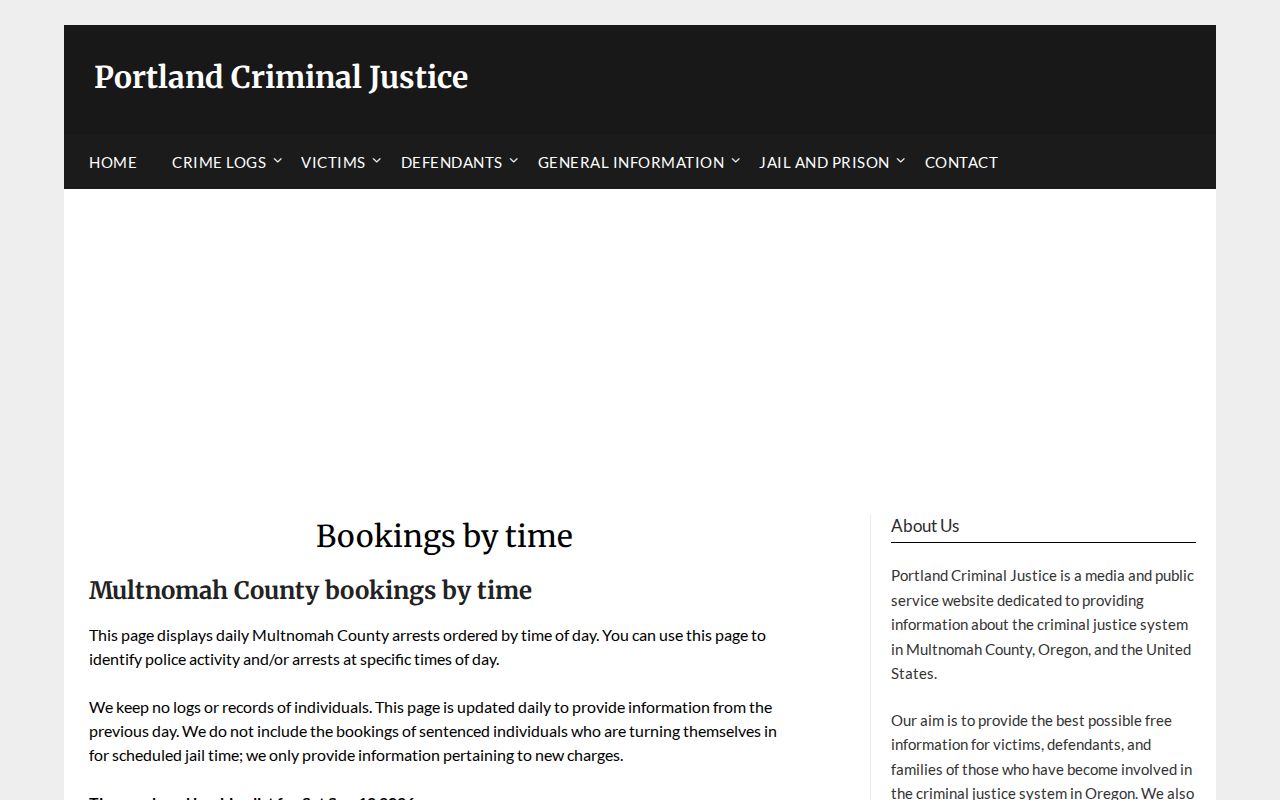
Treat the secondary page as a pointer, and confirm any name through its linked PAID record before trusting the custody answer.
Check Multnomah Arrests Step by Step
Work from the government source first. Let the daily page serve as a second view only. That order keeps a stale or incomplete secondary entry from passing for live custody in Multnomah County. Use the spelling the person or booking agency used. Write down the time of each check.
- Search PAID by the available name or identifier and read the custody details shown on the live record.
- Review Bookings by Time for the prior-day sequence, then follow any record link back to PAID.
- If the person does not appear, allow for booking work, release before full jail placement, a citation, hospital disposition, or a matter outside the adult public scope.
- Call the MCSO jail information line at 503-988-3689 when a prompt custody confirmation is needed.
- Use the MCSO public-records request for a booking record that is no longer exposed online.
The official PAID search screen is the live tool for anyone held in Multnomah County custody.
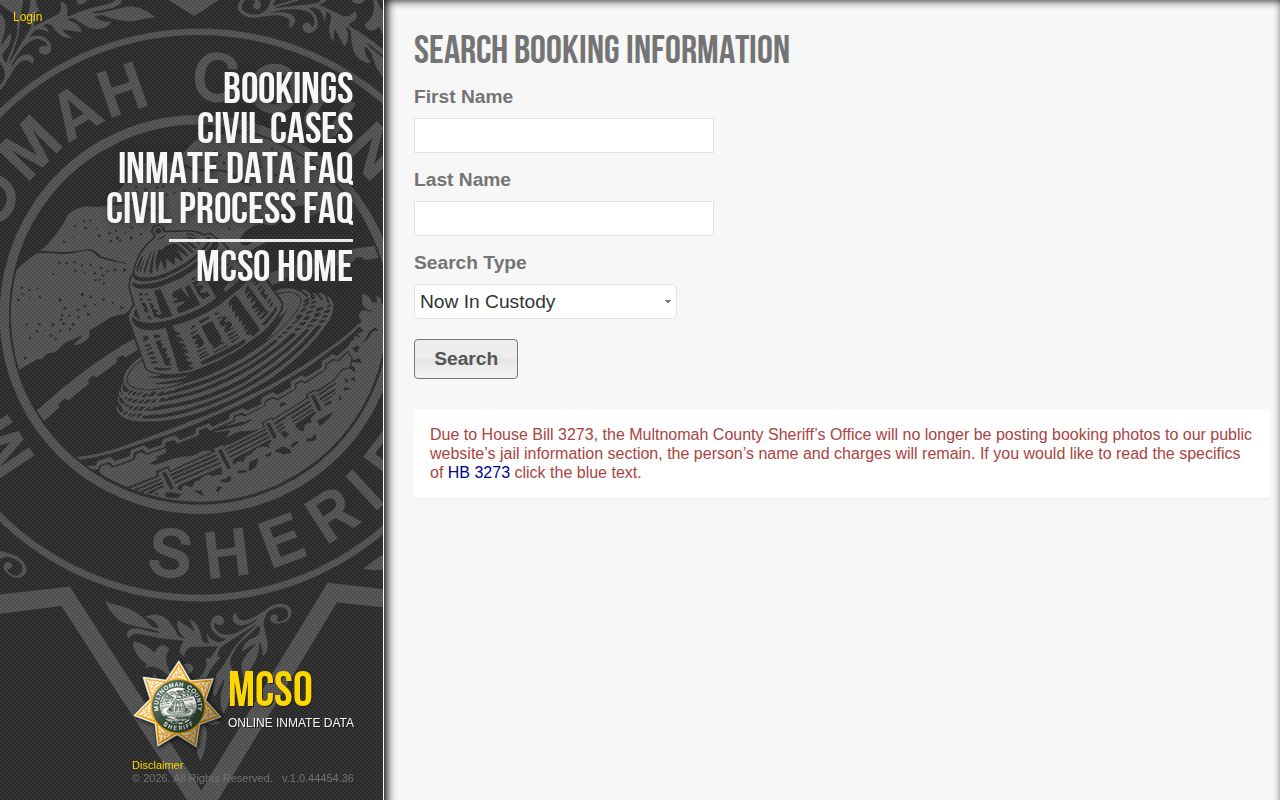
A plain search screen keeps a custody lookup from turning into a gallery of faces and booking photos.
Multnomah Daily Arrest Fields
The two sources play different roles. Bookings by Time highlights booking time plus charge and context links. PAID is the official record. Fields can shift, so the live page decides what you see.
| Field or detail | How to read it |
|---|---|
| Booking time | Places the entry in the daily sequence; it is not necessarily the arrest time. |
| Name or identity | Compare exact spelling on PAID and do not infer a match from a similar name. |
| Booking or custody ID | Use the live identifier when contacting MCSO or requesting a record. |
| Charges as booked | Initial charges recorded at intake, not findings of guilt. |
| Custody or release information | Read only what the current official record states; a daily entry alone cannot prove present custody. |
| Booking photograph | A routine public display was not confirmed. Release is limited by Oregon law. |
MCSO's records schedule confirms booking data and digital photographs exist inside agency systems. Public release is another matter. Oregon's ORS 133.870 restricts routine booking-photo release with narrow exceptions. So a missing image never means a missing arrest.
Why Multnomah Bookings Can Lag
An arrest and a finished booking are two different events. MCSO describes intake at MCDC as a full process. The steps include a search, identity verification, fingerprints, a booking photo, charge paperwork, a health review, and a release or recognizance decision. Someone might instead get a citation. They could head to medical care, or walk out without ever joining the current roster. Those paths explain the delay. Visibility can shift after release too. PAID is built for current custody. The county retention schedule keeps underlying booking records far longer. A blank live result could mean release, transfer, a correction, sealing, a scope limit, or a brief interface problem. It proves nothing on its own. Note: Log the source and access time, since neither the official roster nor the secondary daily view promises a permanent public display.
Confirm a Multnomah County Arrest
When the online check stalls, go to the office that holds the record. The jail information line covers current custody in Multnomah County. For sheriff-held records, call the Records Unit at 503-988-7300. The GovQA portal accepts formal requests. Offer an approximate booking date and the exact name. Add a booking number if you have one. Ask for the specific booking or confinement record, not every file tied to a person.
Multnomah County Sheriff's Office501 SE Hawthorne Blvd., Suite 350
Portland, OR 97214
Main: 503-988-4300
Records Unit: 503-988-7300
Want a longer window? The Multnomah County Police Blotter walks through the rolling page and archives path. It still cannot replace PAID for present custody.
Multnomah Arrests Are Accusations
A jail entry is a snapshot from booking day, nothing more. Charges and outcomes live elsewhere. The Oregon Judicial Department register and Multnomah County court records track case events. They also hold the court's final disposition. Turn to those files for whatever happened after the arrest.
Multnomah Arrest Search Has No App
Multnomah County's sheriff office offers no iOS or Android booking app. If you want arrest records on a phone, PAID is the answer. It is an official web application that loads fine on mobile screens. That makes it the practical route for a quick Multnomah arrest check away from home. Be wary of app-store downloads that hint at a sheriff connection they cannot back up. The agency's @MultCoSo social account does post news and public-safety notices. Still, it is no booking roster. Expect selected items, not every arrest.
For custody alerts on one known person, Oregon runs VISOR. That state service sends notifications when supported custody or supervision status changes. It replaced the older VINELink reference on the MCSO corrections page. For a fresh Multnomah booking, though, start with the county's own PAID roster. Go there before anywhere else.
Note: A post or alert can add context, but custody and court records remain the place to verify.
Multnomah Arrest Custody States
Every custody label tells you something different. "Just booked" means processing is still underway. "In custody" means PAID currently reports an adult held by MCSO, while "released" means the live roster may no longer display the person even though the booking record stays on file. "Transferred" may point to another jail, Oregon DOC, or a separate federal system. The labels are not interchangeable.
- Booking
- The intake process that creates the jail record after an arrest.
- Bond
- A court-set financial condition that may relate to release.
- Disposition
- The outcome later entered in the court record.
- Transfer
- A move between custody agencies or facilities.
Not every Multnomah County arrest stays in county custody. Someone sentenced into Oregon state custody belongs in Oregon Offender Search, not the MCDC booking roster. Federal custody works the same way. Federal Bureau of Prisons and ICE each run their own locators, and neither one substitutes for PAID, so absence from PAID does not establish that a person was never arrested.